Add Notes to Dataset Callouts
With MapBusinessOnline you can add notes to any callout on map.
- Click any plotted location on map to open its callout.
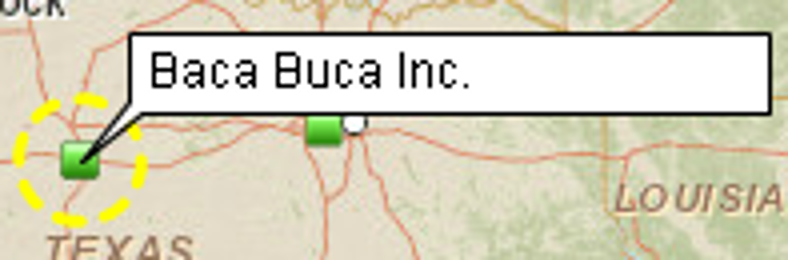
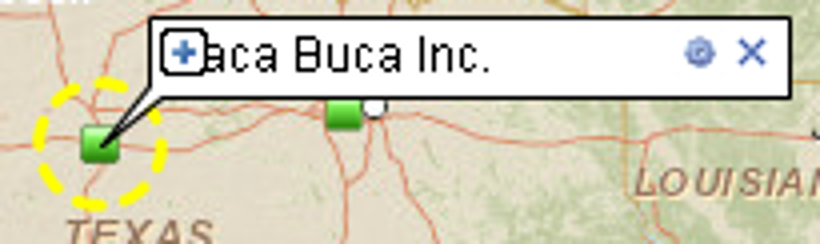
- If you move mouse pointer over callout you will see + (plus) sign that maximizes callout. Or you can click anywhere inside callout content to maximize callout.
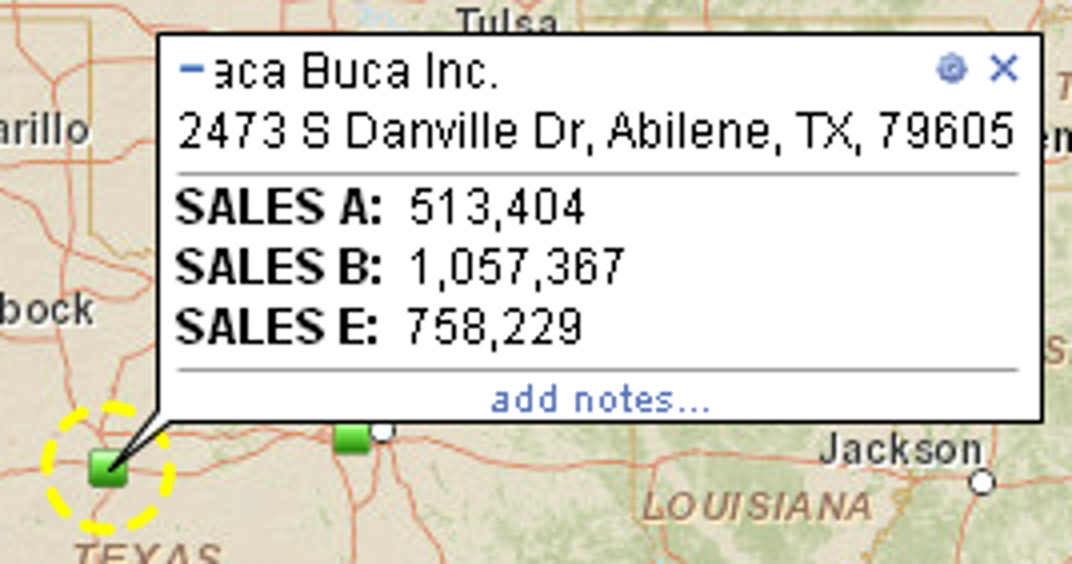
- When mouse pointer is over callout click ‘add notes...’ to start adding notes. You can add multiple lines of notes.
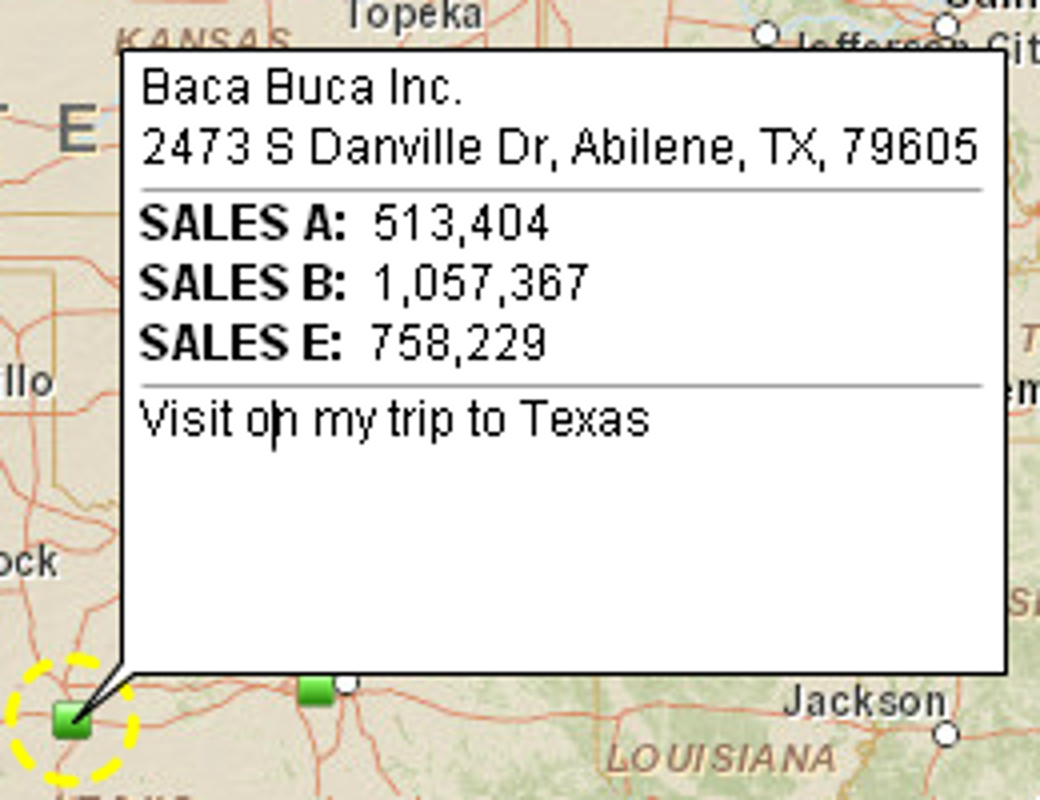
- In order to edit existing notes just open callout and click its notes.


