Change Dataset Symbol
In MBO you can choose a symbol for dataset or individual location map display.
Related article: Color code dataset locations on map.
Selecting a symbol for dataset
- Open Map & Data window if it’s not already open.
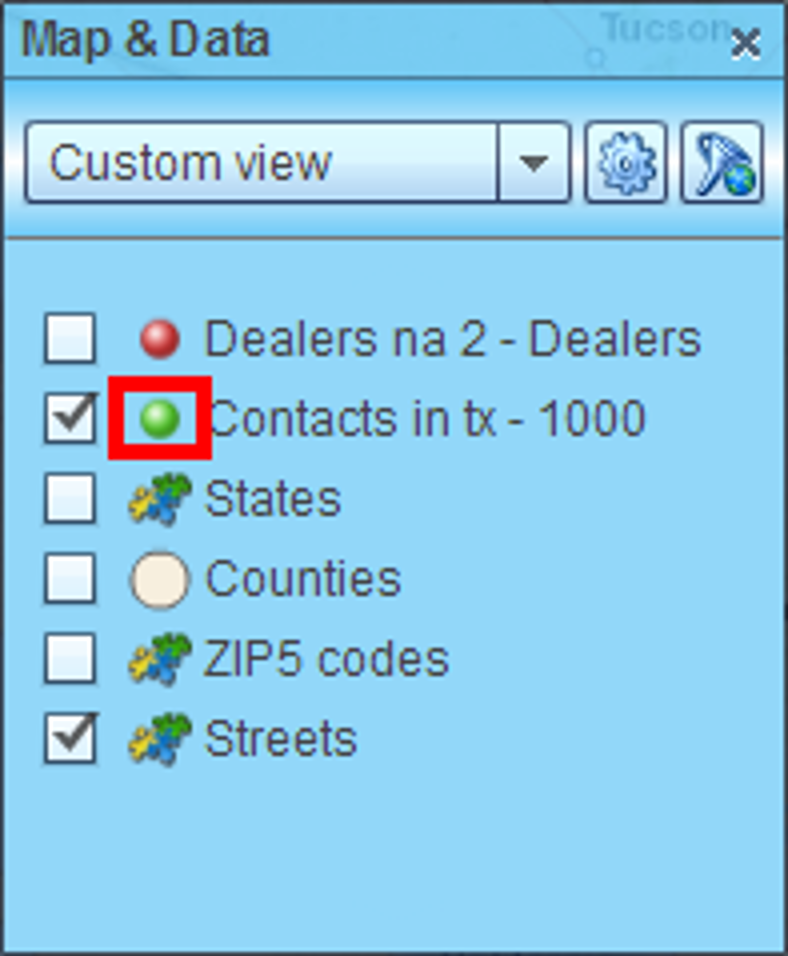
- Locate your dataset in the Map & Data window and click the symbol to the left of dataset name.
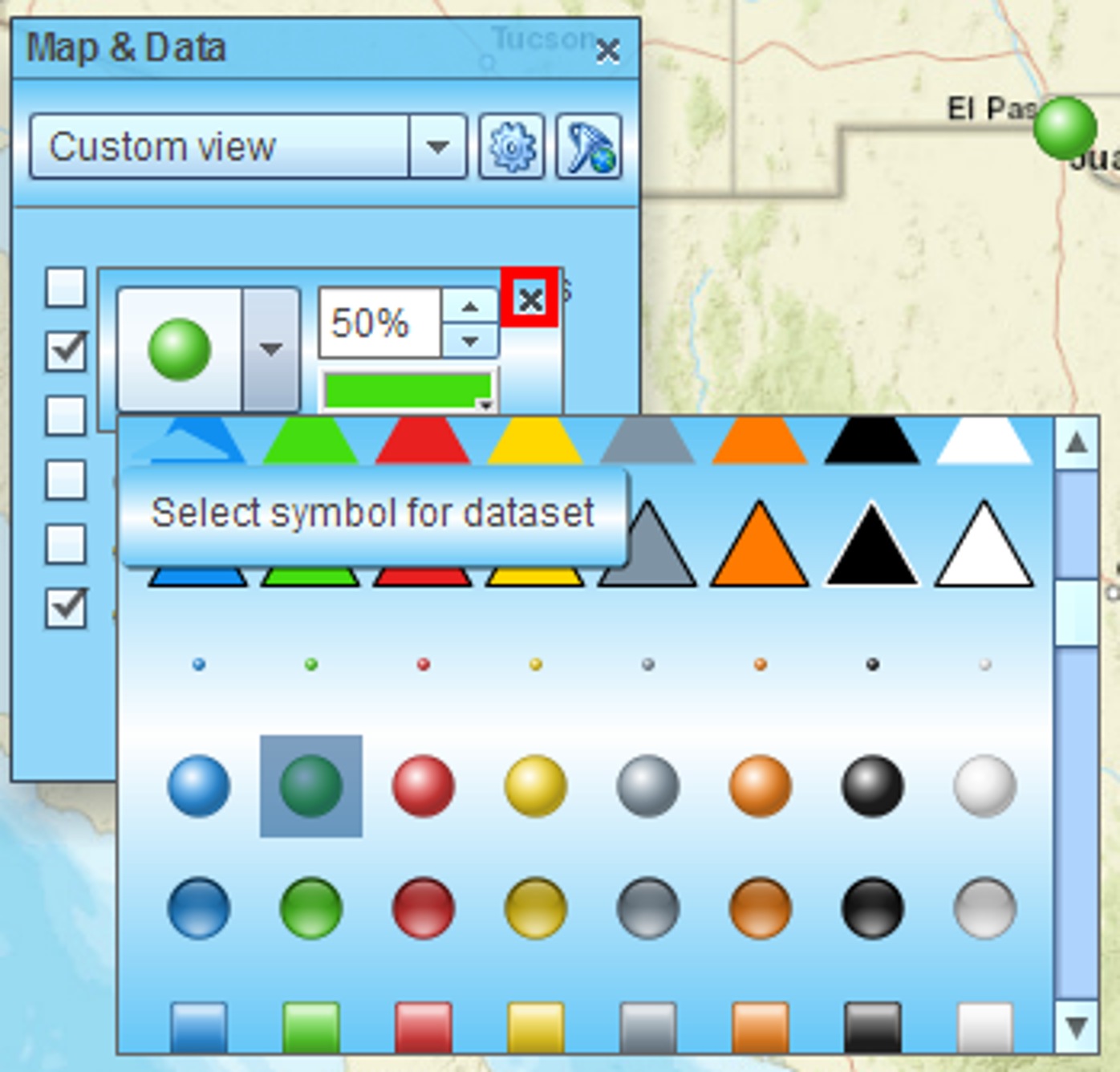
- Small dialog with symbol selections will appear. Choose a symbol and hit cross icon when ready.
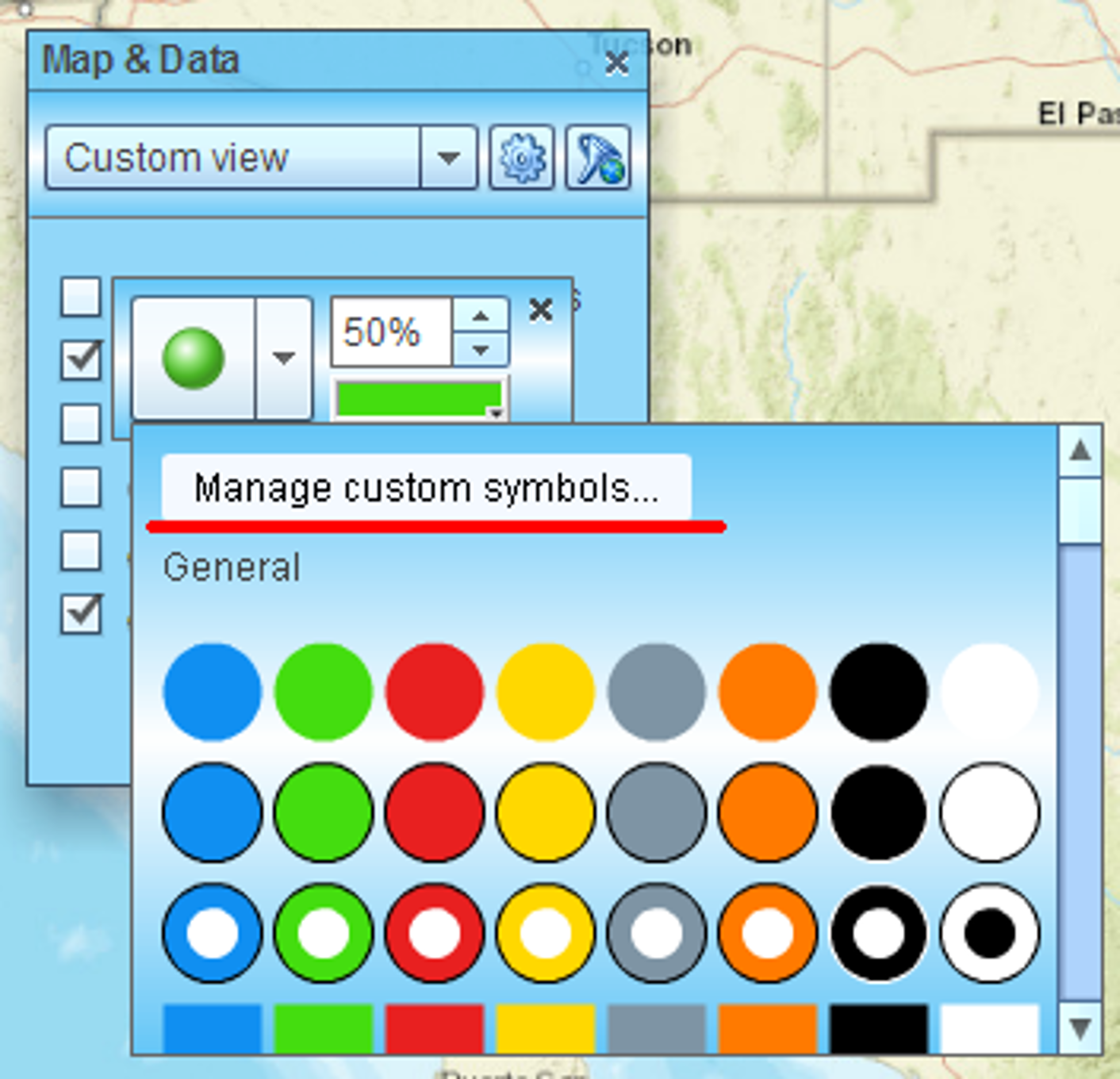
- Please note that you can import your own custom symbols to use in MBO.
Selecting a symbol for individual location
- Click location’s symbol on map to select that location.
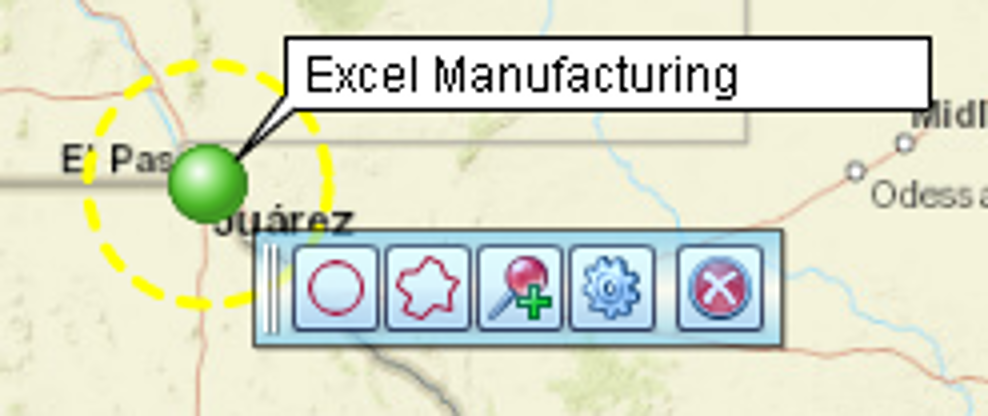
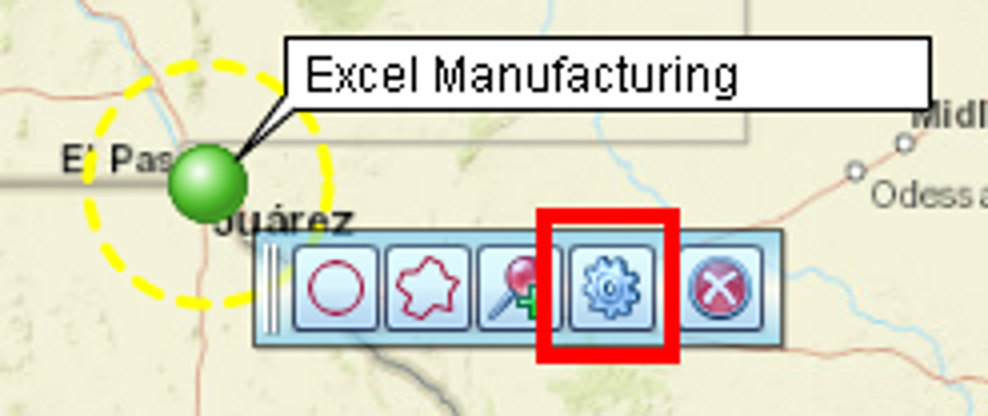
- Small context toolbar will appear. Hit gear icon to open location’s properties dialog.
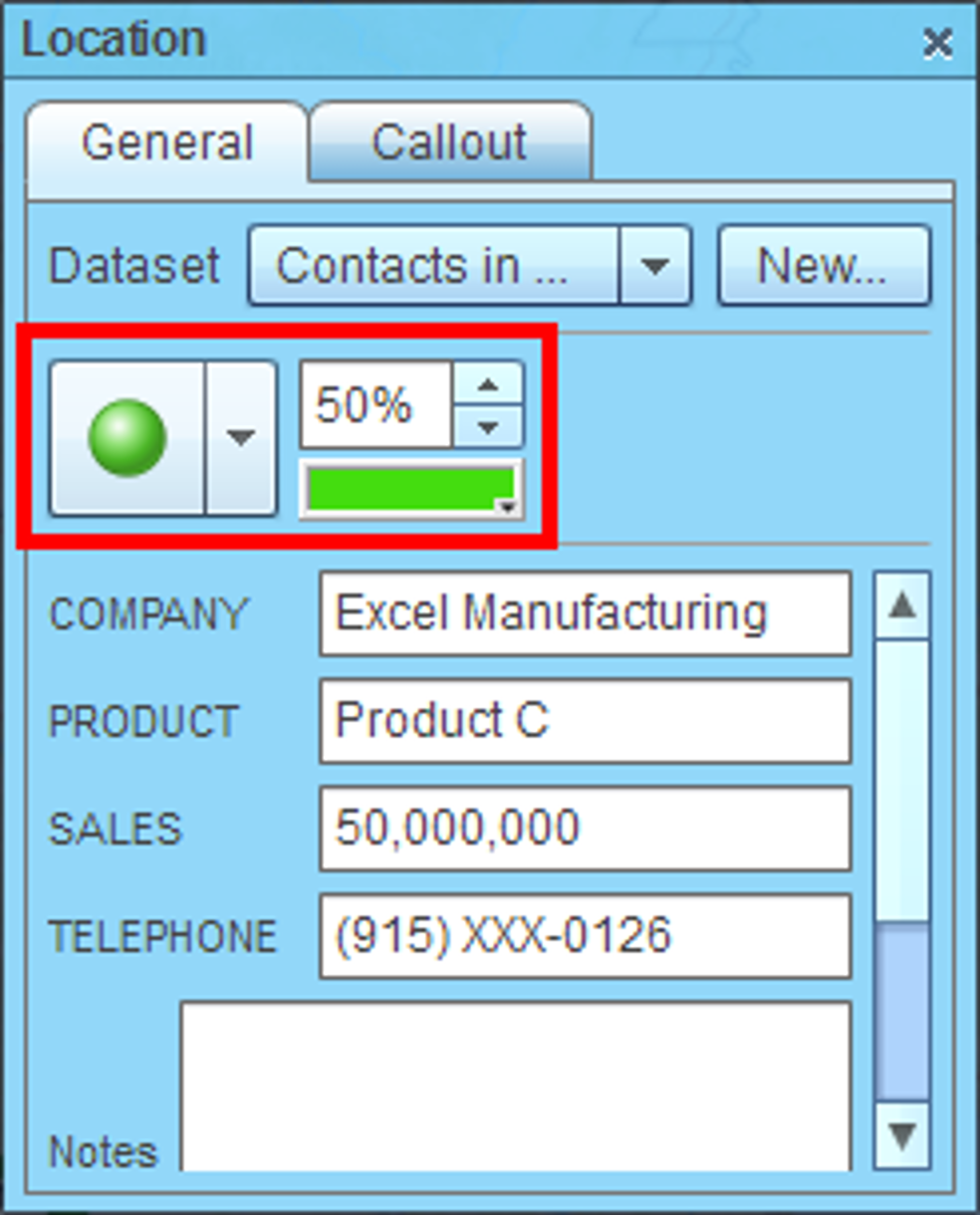
- Select desired symbol in location’s properties dialog.