Edit Layer or Dataset Properties
A map in MapBusinessOnline is organized as a set of map layers and datasets. Map layers form map background while datasets go on top of map layers.
You can easily access map layer or dataset properties from Map & Data window.
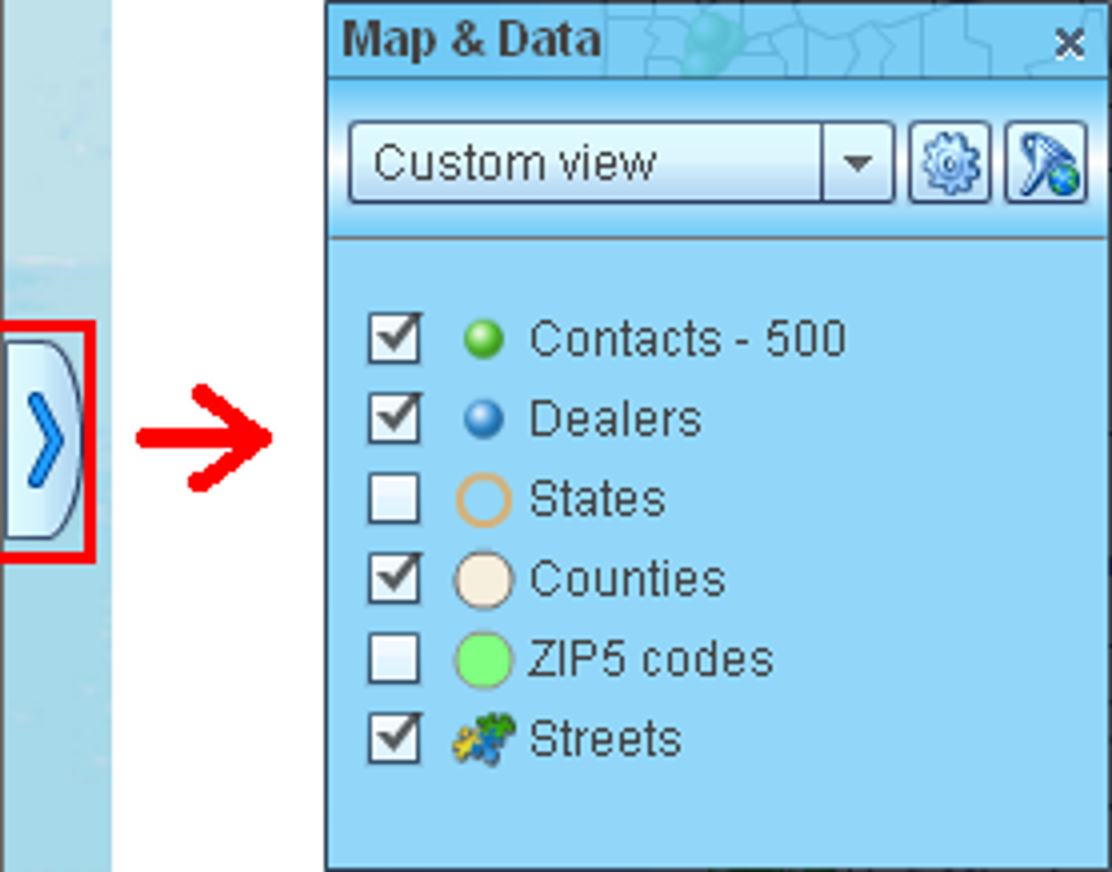
- Show Map & Data window if it is not already visible.
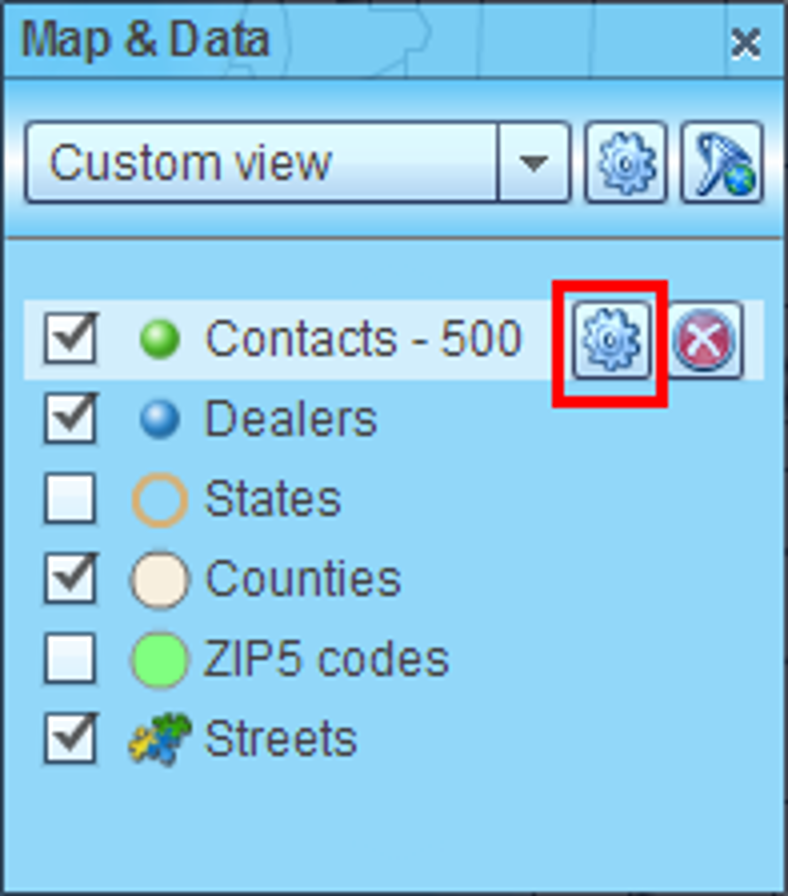
- Move mouse pointer over a map layer, territory layer or a dataset in Map & Data window and click gear button that will appear.
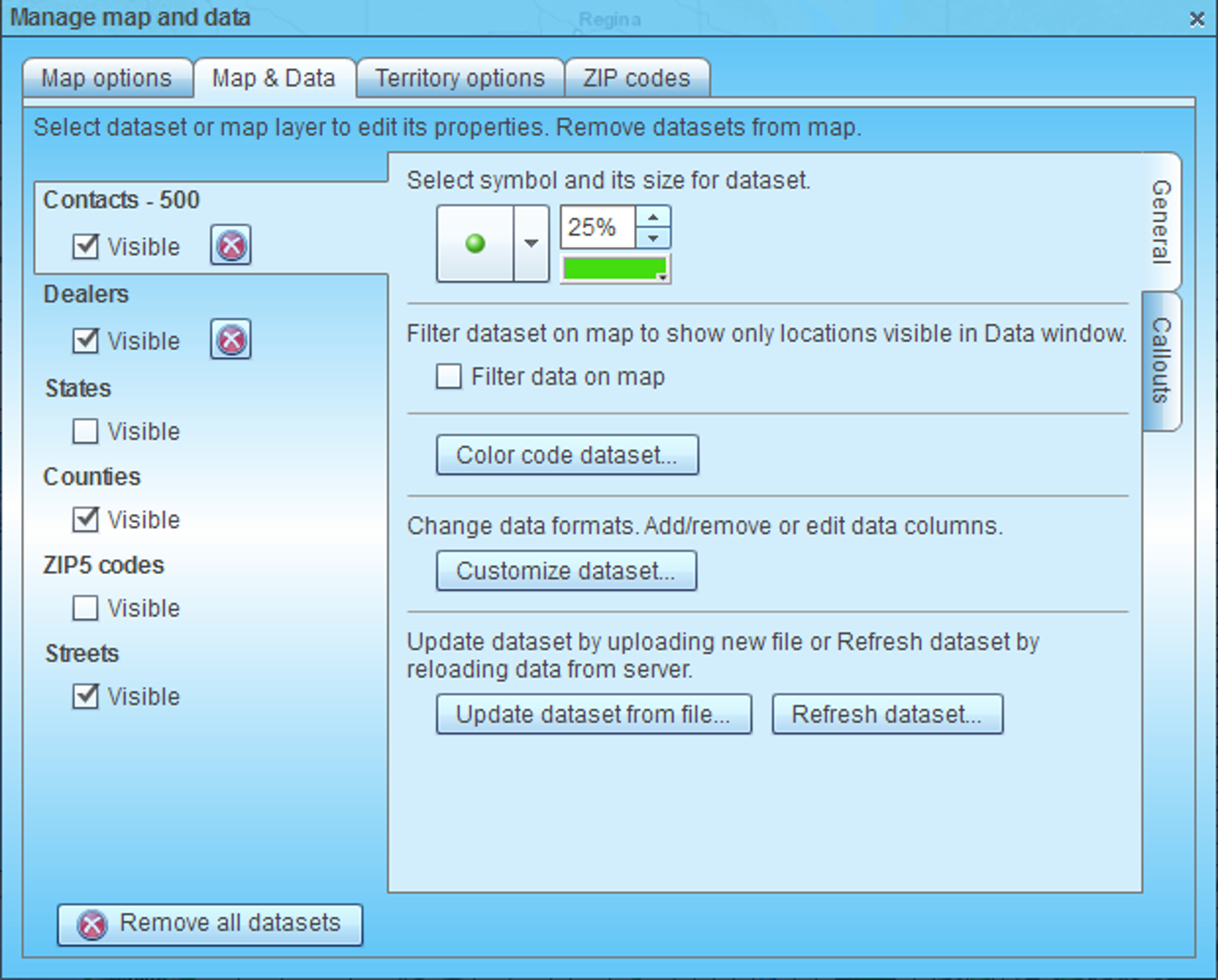
- ‘Manage map and data’ dialog will popup where you can view and edit properties of select layer or dataset.