Print Current Map View
The current map view is the map extent that you see on your MapBusinessOnline screen. If you need to print a different map extent, choose to print a large map instead.
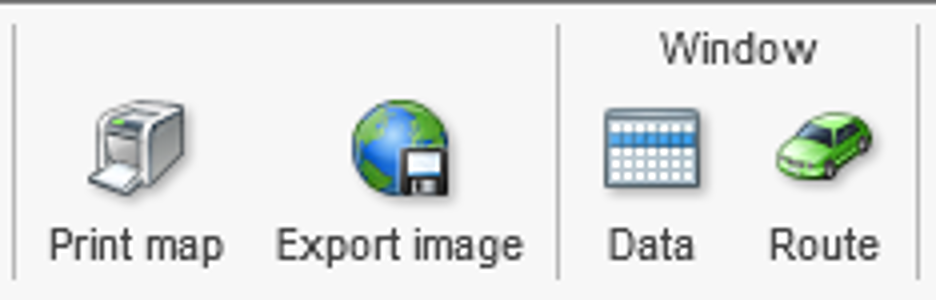
- Click the printer icon on the main toolbar to start "Print map" wizard.
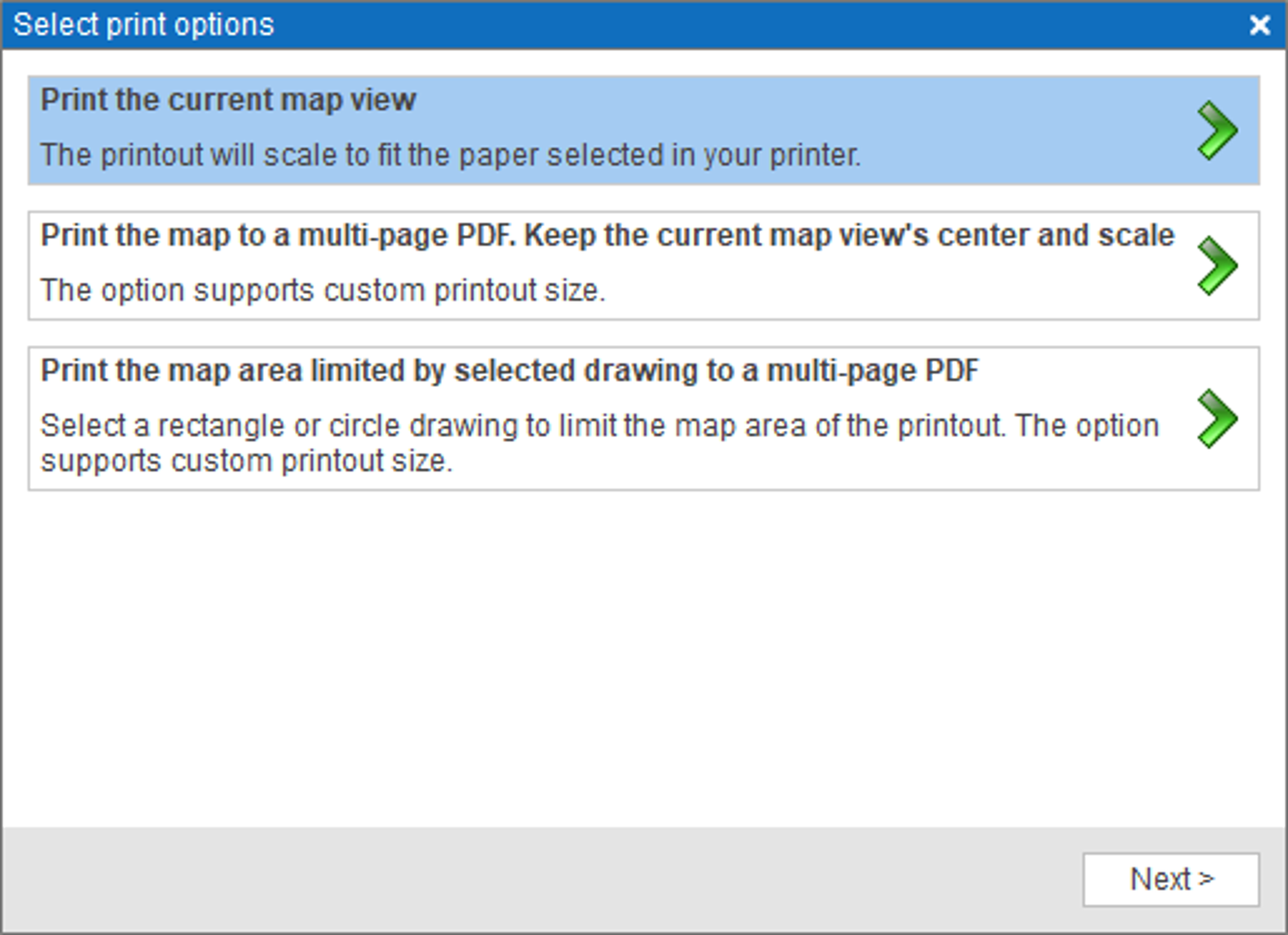
- In "Select print options" dialog click "Print the current map view" option.
- MapBusinessOnline will start rendering the printout.
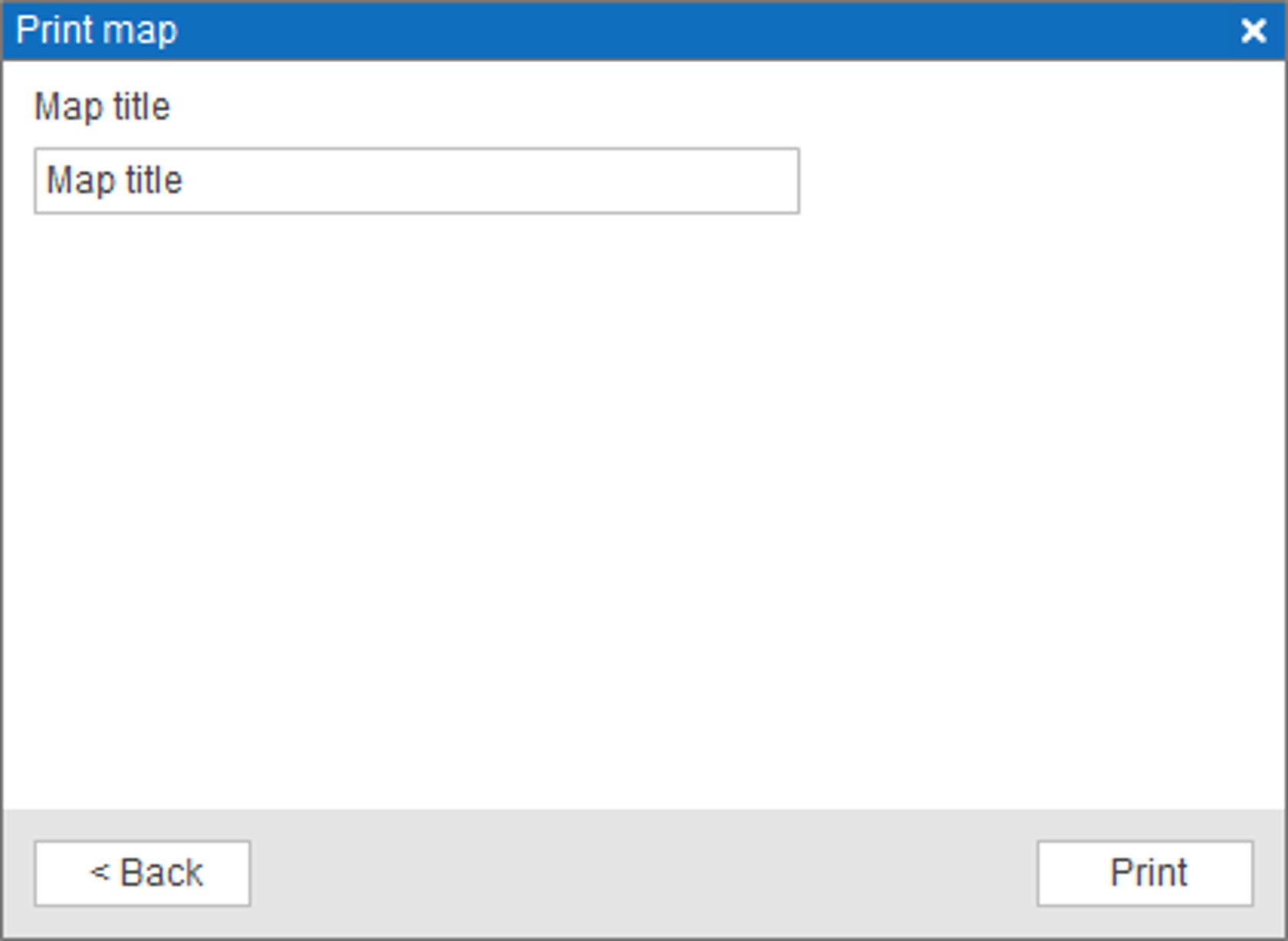
- Once the printout is ready, you can enter the map title in the dialog that will appear. Click Print button.
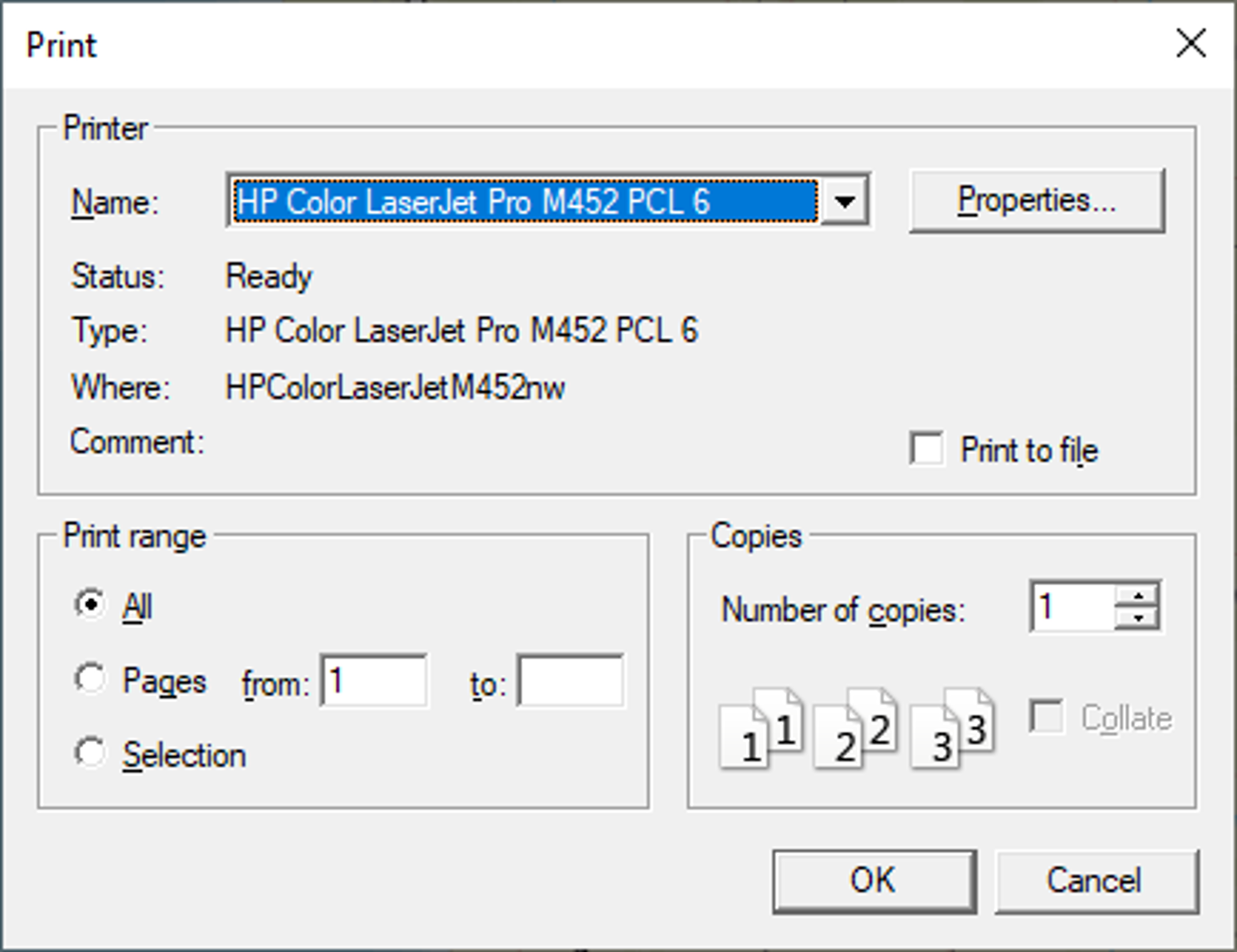
- System Print dialog will pop up like the one on the picture below. Click OK to print the map.