Search and Map Business Listings
Access Nearly 22 Million Business Contact Records
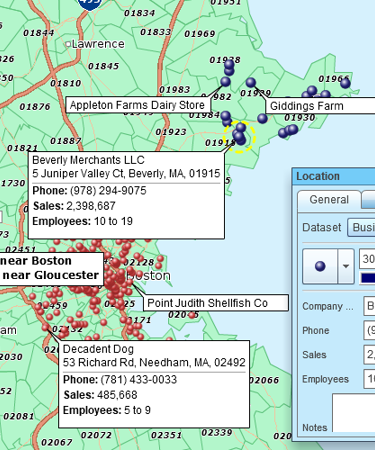
Find businesses in any area with location information, firmographic data and executive details from one of the USA's top business data providers. MapBusinessOnline is your business finder, providing access to the rich business listing data from within the all-in-one business mapping application.
- Search businesses in an area – by ZIP code, city, state, or any custom area defined by drivetime polygon or radius
- Filter businesses by name, industry code, employee count or sales
- Generate sales leads by industry and area, with contact information including name, phone and email address
- Get to know competitors in a trade area
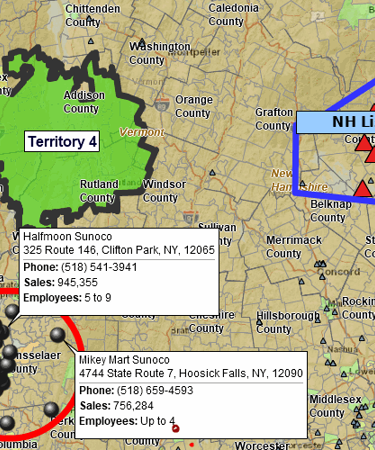
- Add businesses of interest onto a territory map
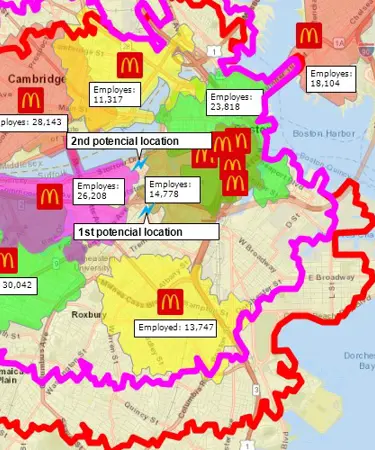
- Identify new markets and select optimal sites for your business expansion
- Build optimized routes to visit prospects from your list
Currently available for the USA only.
How Can You Use Business Listings for Your Business?
Easily and affordably explore B2B market potential through MapBusinessOnline business directory search options. Search and plot the businesses around you or in any geographical area, overlay it with US Census demographic data, your customer data and your sales results and projections.
Search business listings filtered by:
- Business name or location
- Geographic area of interest, circle or drivetime polygon
- Industry type – business category based on SIC or NAICS code
- Location type (headquarters, branch, single, subsidiary, or franchise)
- Company sales values
- Employee count estimates
Generate sales leads by industry and area. Tie lead generation campaigns to your sales territory goals and objectives. Feed prospective businesses to hungry salespeople. Visualize and monitor results using shared business maps. Easily export contact lists.
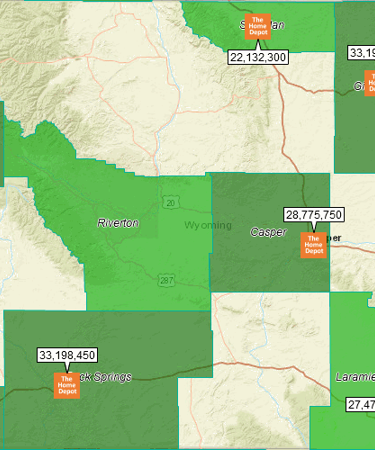
Research and visualize competitor threats and opportunities while developing new business opportunities. Develop a thorough understanding of who you're competing against in an area. Add competitor operation centers and facility locations to detailed color-coded competitor maps, sales or service territory maps, or demographic maps. Visualize competitor density using heat maps.
Overlay customer, lead, and competitor locations onto your sales territory map. Use the data along with Census demographic variables to optimize your sales territories.
Carefully plan your next business expansion by visualizing the businesses that exist in an area of interest. Identify new markets on a map. Highlight areas served by your competitors. Select an optimal site for your business.
Generate optimized traveling sales routes with up to 150 business listing stops per route. Get turn-by-turn directions so your field reps could visit the prospects you identified in the area.
What Information Does a Business Listing Contain?
Business listings are data records of critical information compiled by industry experts for all businesses listed across the USA. These records include:
- business name,
- address,
- contact information: email, phone, website,
- location type (headquarters, branch, single, subsidiary, or franchise),
- industry classification codes,
- annual sales (estimated),
- employee count (estimated range).
How to Access Business Listings in MapBusinessOnline?
Try it for FREE:
- Create an account to start your free trial of MapBusinessOnline. No credit card required.
- Login to your account, download and install the MapBusinessOnline App for Windows or Mac.
- Run the app.
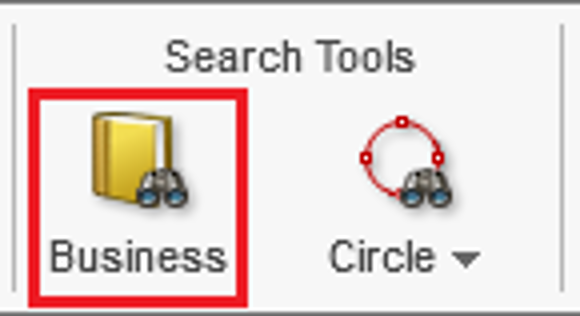
- Find and click the “Business” button on the main toolbar:
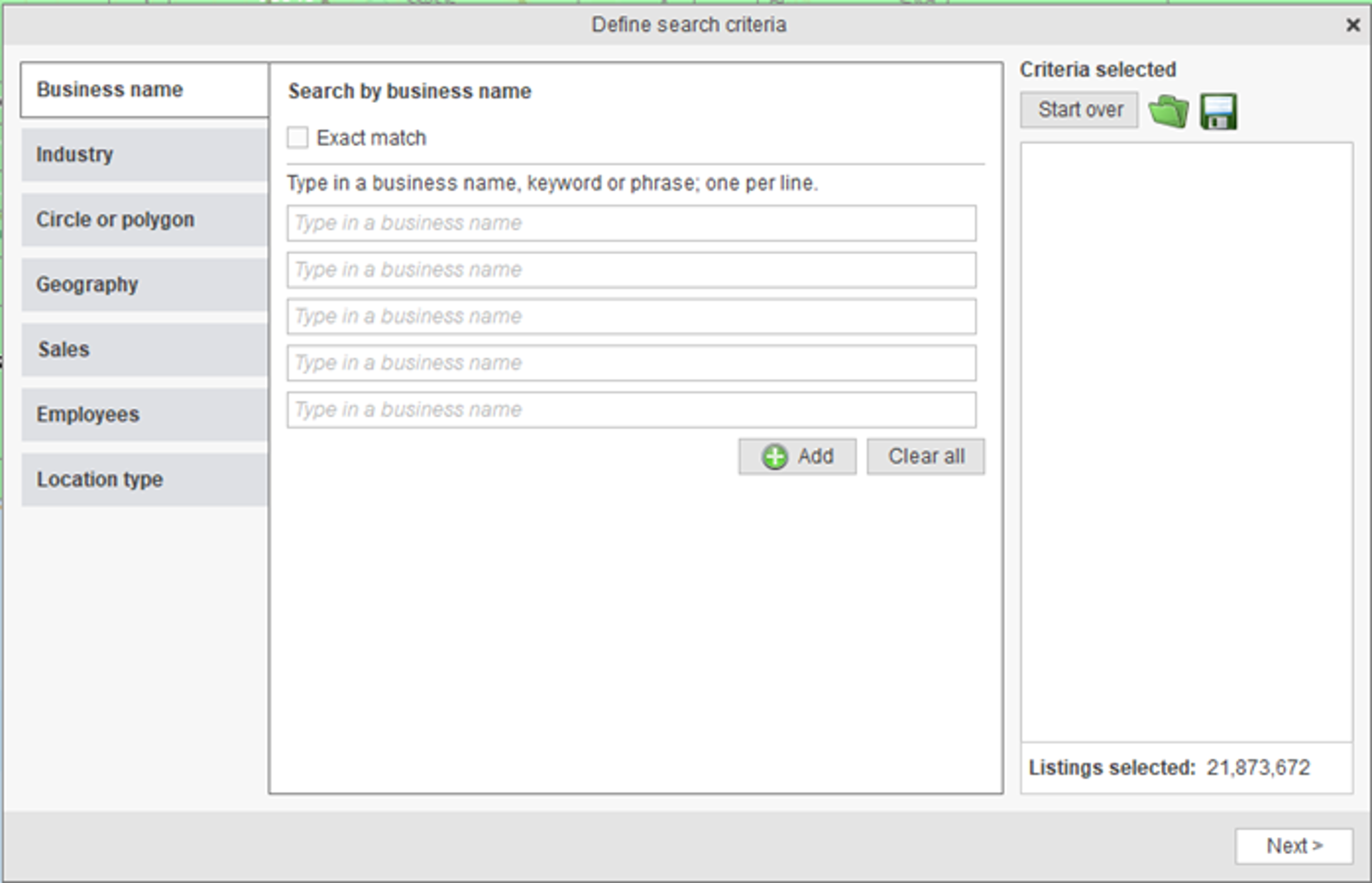
- Define your search criteria and find the business listings of interest across the U.S. (learn more about using the search criteria):
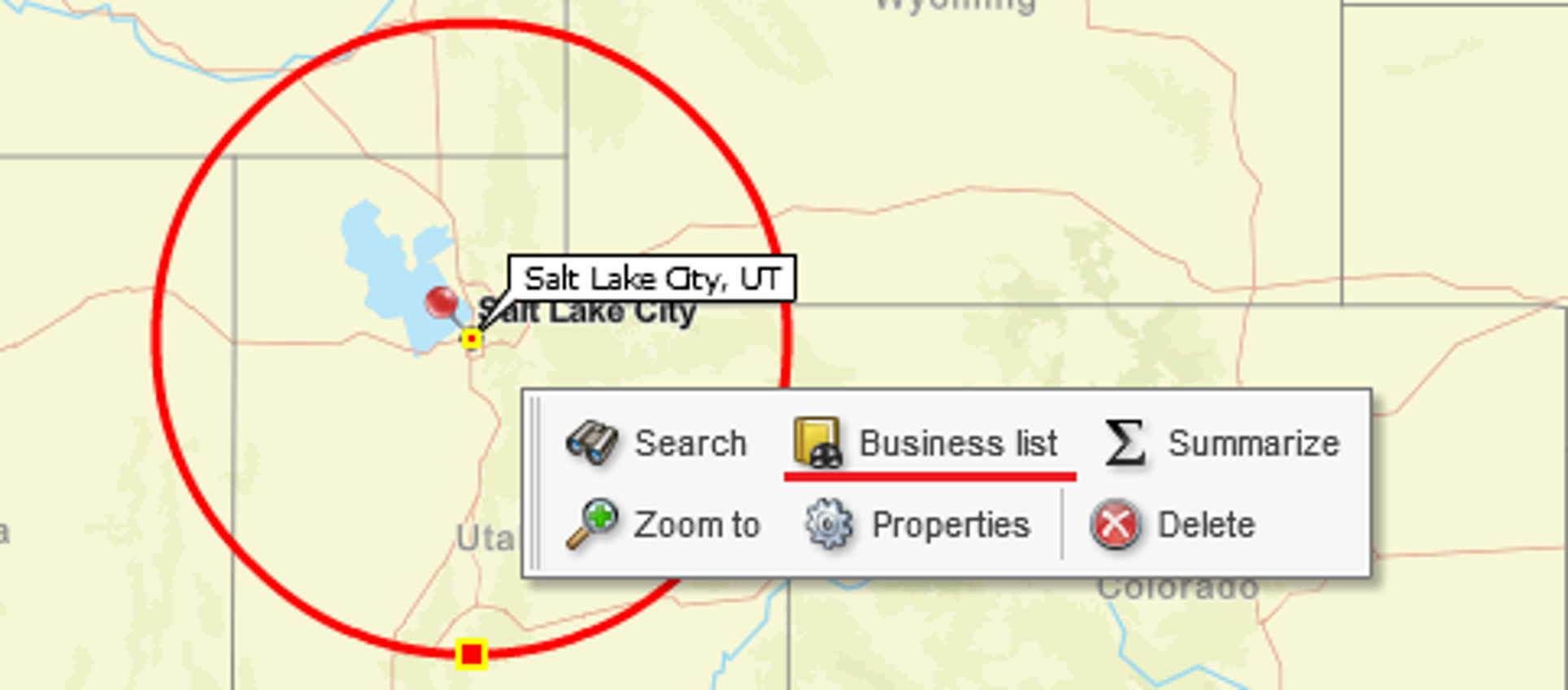
You can also find business listing search functions associated with Radius and Polygon object menus:
See MapBusinessOnline in Action
Request a demo
Learn How Our Customers are Succeeding with MapBusinessOnline

Billy Taylor of Stop Hunger Now, one the world’s great nonprofit organizations said:
"Thanks for the great product, I use it all the time in our non-profit."
Billy and his team use MBO to create regional lists from their organizational data. MBO is a great data segmentation tool supporting market analysis. Users can segment data geographically and append a variety of data layers to exported results.
Billy Taylor
Director
Stop Hunger Now


"I have been using MapBusinessOnline for about 8 months and couldn’t be happier with the services it provides. I have employees and myself who map around 250 routes monthly for our sales team. The interface is easy-to-use and the abilities are exactly what I need. My sales team finds the maps and step by step routes easy to follow and accurate. My store lists change every quarter and the uploading system allows me to quickly upload a new list and categorize the account by priority using colors and shapes. I have also used the heat mapping capabilities and found those easy to customize and quick to use. As with any advanced software, this does take a week or two to learn the more complex features, but it is well worth the time invested. This is the software I would have designed if I was to create one myself. Great job!!!"
Bill Hanavan
Director of Operations
Strategic Retail Solutions

"I wanted to thank my customer service rep Jason for always going above and beyond every time I call for answers...AND THIS IS WHILE I AM USING A TRIAL VERSION!!! With this kind of service, why would you ever use another software company?"
David imports his USA-wide network of restaurant service suppliers and uses the map to visualize his contacts for instant access.
"Every time I use MapBusinessOnline…and I always get what I need."
David Ziviello
Sales
Rosito Bisani

Popular MapBusinessOnline features
Business lists for market analysis & sales planning

Compile lists of business & contact records in support of sales and marketing campaigns using MapBusinessOnline. Build lead gen lists, conduct market potential analysis, and competitor research.
Build fast map visualizations of your business data

Map business data from various sources by street address, city name, ZIP code, or latitude and longitude. Plot 250,000 or more locations on a map at once. All you need to start is a spreadsheet with business data.
Design and visualize sales, service, or franchise territories

Use our territory management software to create sales, service or franchise territories by ZIP code, county, or state. Aggregate demographics and sales data by territory. Search business data inside sales territories. Highlight territory overlap.
Perform market analysis for multiple sites

Search & segment data from multiple centers. Generate market area profiles. Find nearest store or pick up locations. Batch calculate distances, as well as driving times to multiple locations. Aggregate demographic data. Enrich a dataset with demographic or geographic variables.
Share editable maps with your sales force

Control shared business maps’ access at team or individual levels. Encourage team collaboration through shared sales territory and customer maps. Improve communications within your sales force through clear business maps.
Plan customers visits with optimized routing

Use maps to identify customers within a radius or polygon. Optimize visits sequence and generate turn-by-turn driving directions. Reduce travel costs. Improve ROI and productivity.
Visualize business data on map with various symbols

Assign specific symbols, colors, and sizes to your data points on map. Choose from a wide variety of symbols or create your own. Visually define customers and prospects across multiple locations using symbols color coding.
Color code maps by ZIP code, county, or state

Import business data by ZIP code to show it geographically. Create colorful maps for business analysis that connect real Census data to locations on the ground.
Search data spatially with radius maps

Explore your data within circle or polygon areas. Organize search results into marketing lists or market areas. Export ZIP code demographics, territories, or marketing lists in Microsoft® Excel spreadsheets.
Use maps to create marketing campaigns

Search potential customers spatially and by demographics. Organize search results into marketing lists. Export marketing lists in Microsoft® Excel spreadsheets.
Add drive time polygons to your market analysis tools

Create drive time polygons to identify actual market areas by hour of day and day of week. Explore your data within drive time areas. Improve direct mail campaigns.


