Install MapBusinessOnline Customization Package for Microsoft Dynamics® CRM Online
Follow the steps below to install MapBusinessOnline customization package:
- Download MapBusinessOnline customization package by following the link below. Save the file downloaded to your computer.
MapBusinessOnline customization package for CRM 2015 and later
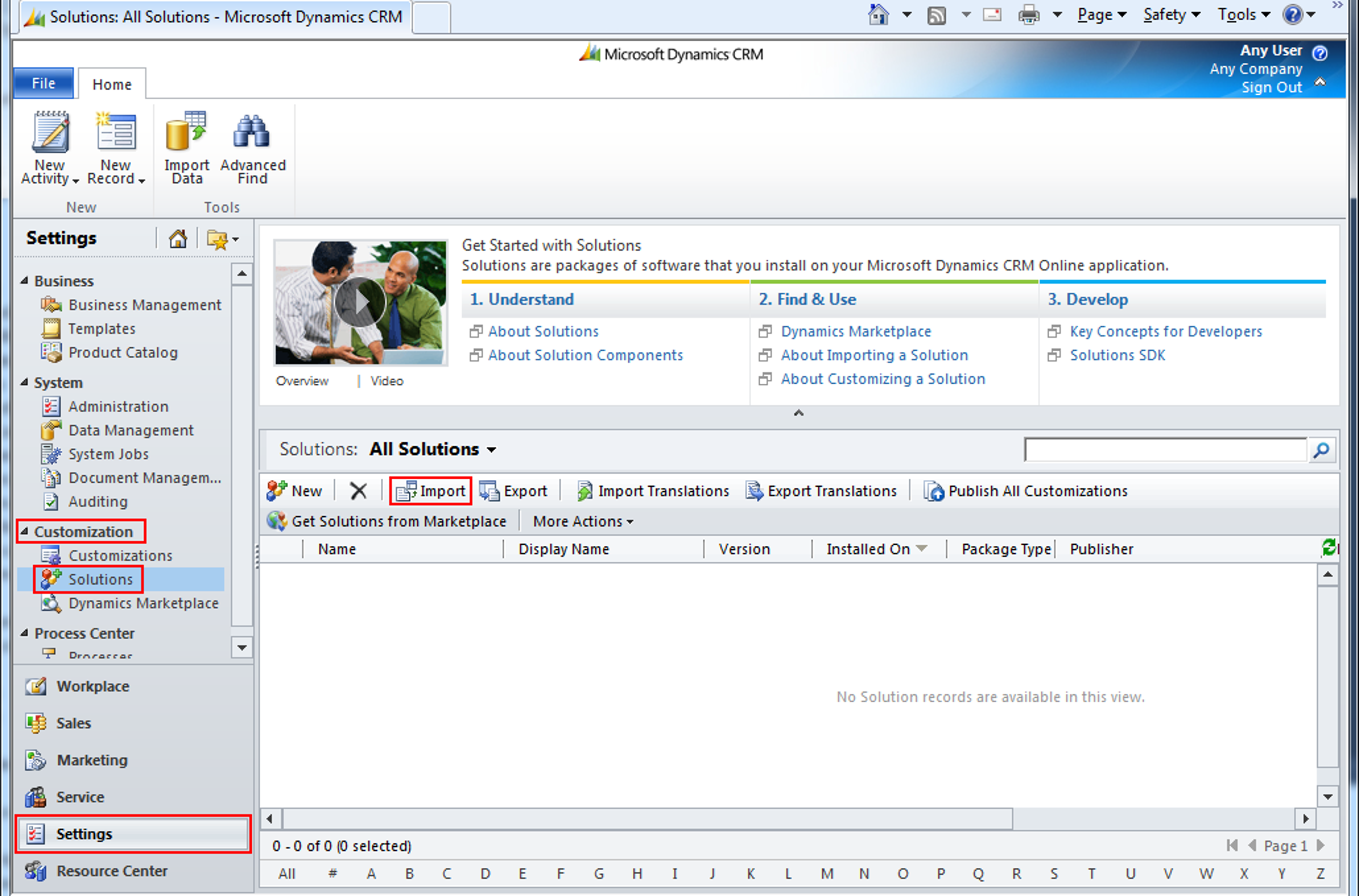
MapBusinessOnline customization package for CRM 2011-2013 - Open CRM Online and select Settings->Customization->Solutions. Click ‘Import’ on the Solutions page. Import Solution wizard will start.
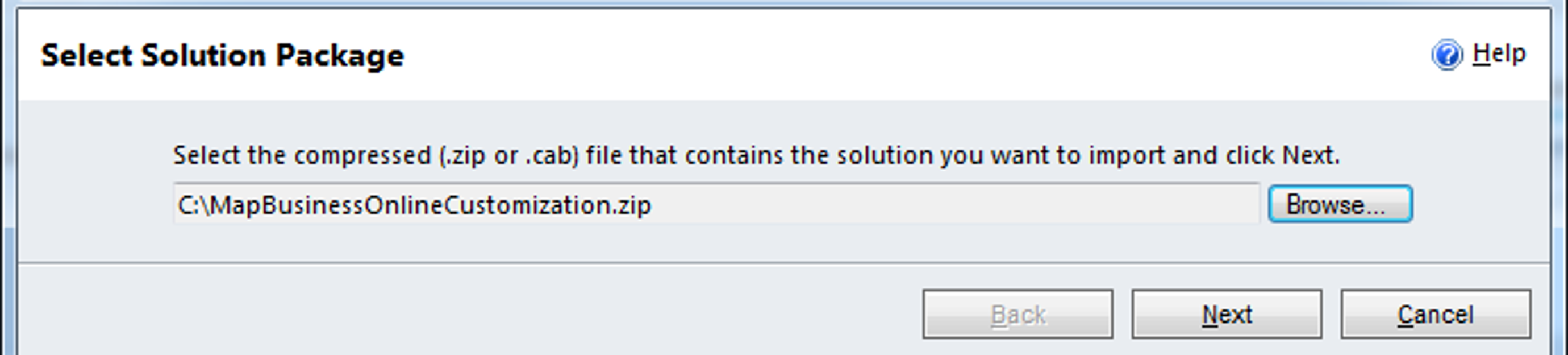
- Click ‘Browse’ and locate MapBusinessOnlineCustomization.zip file you have downloaded from MapBusinessOnline. Click ‘Next’.
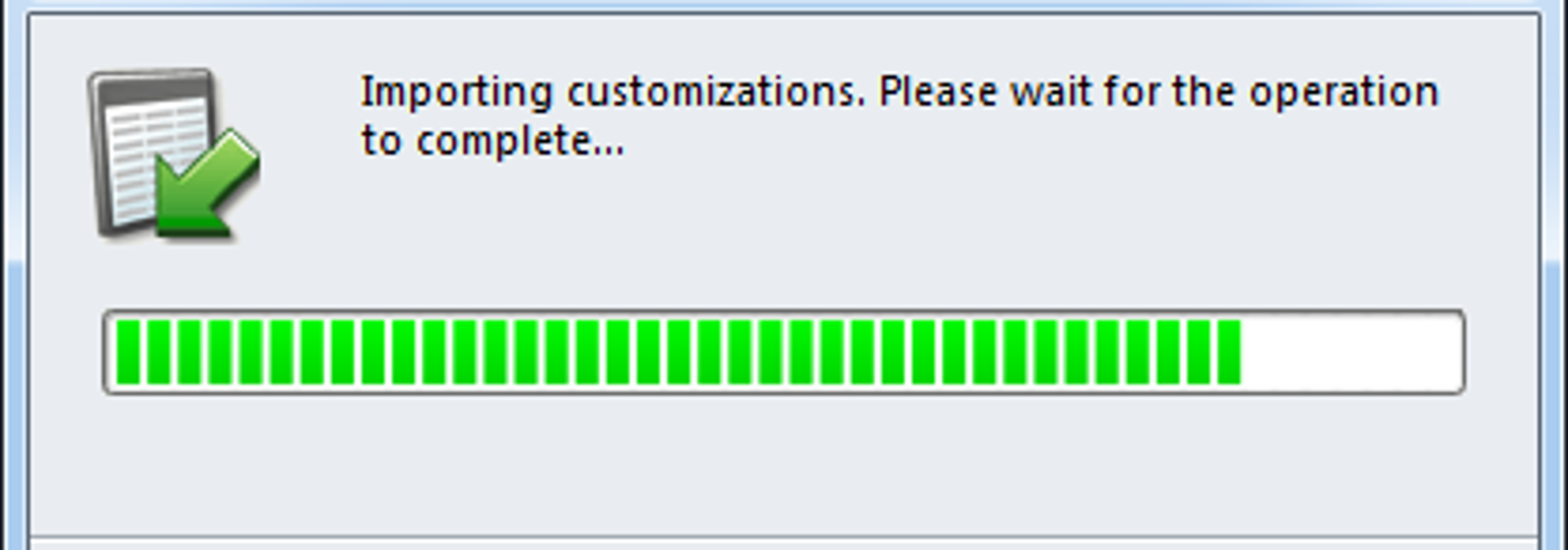
- Click ‘Next’ and wait for customization to complete.
- Click ‘Close’. Now you are ready to plot data from Microsoft Dynamics® CRM in MapBusinessOnline. Choose one of the following topics:
Plot Accounts data from Microsoft Dynamics® CRM Online
Plot Contacts data from Microsoft Dynamics® CRM Online
Plot Appointments data from Microsoft Dynamics® CRM Online


